Bem vindo ao guia do usuario do Stickers Hunters FC, aqui iremos explicar de forma simples como usar o app e com algumas dicas.
Bem vindos!
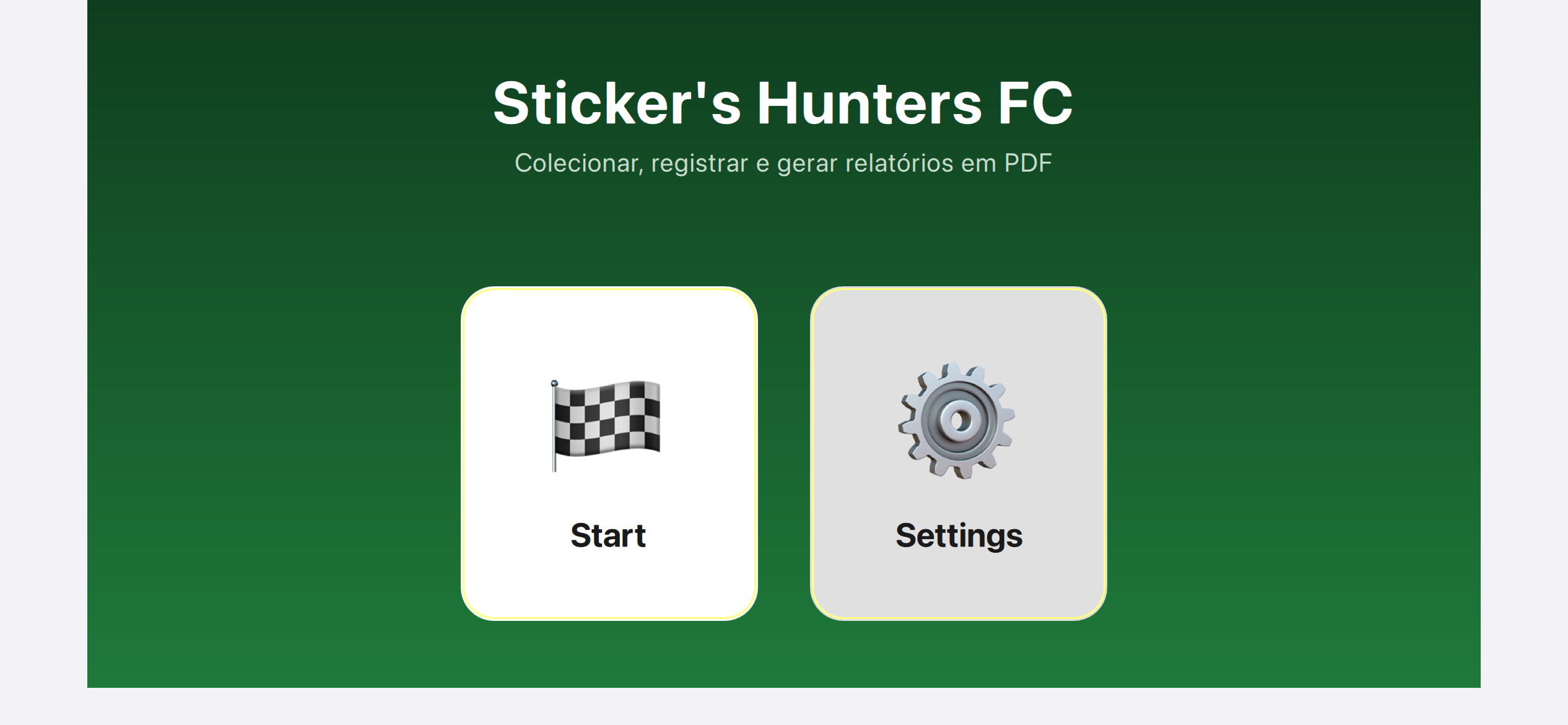
A imagem acima mostra a tela inicial do usuário padrão, com os botões que levam à tela principal do app.
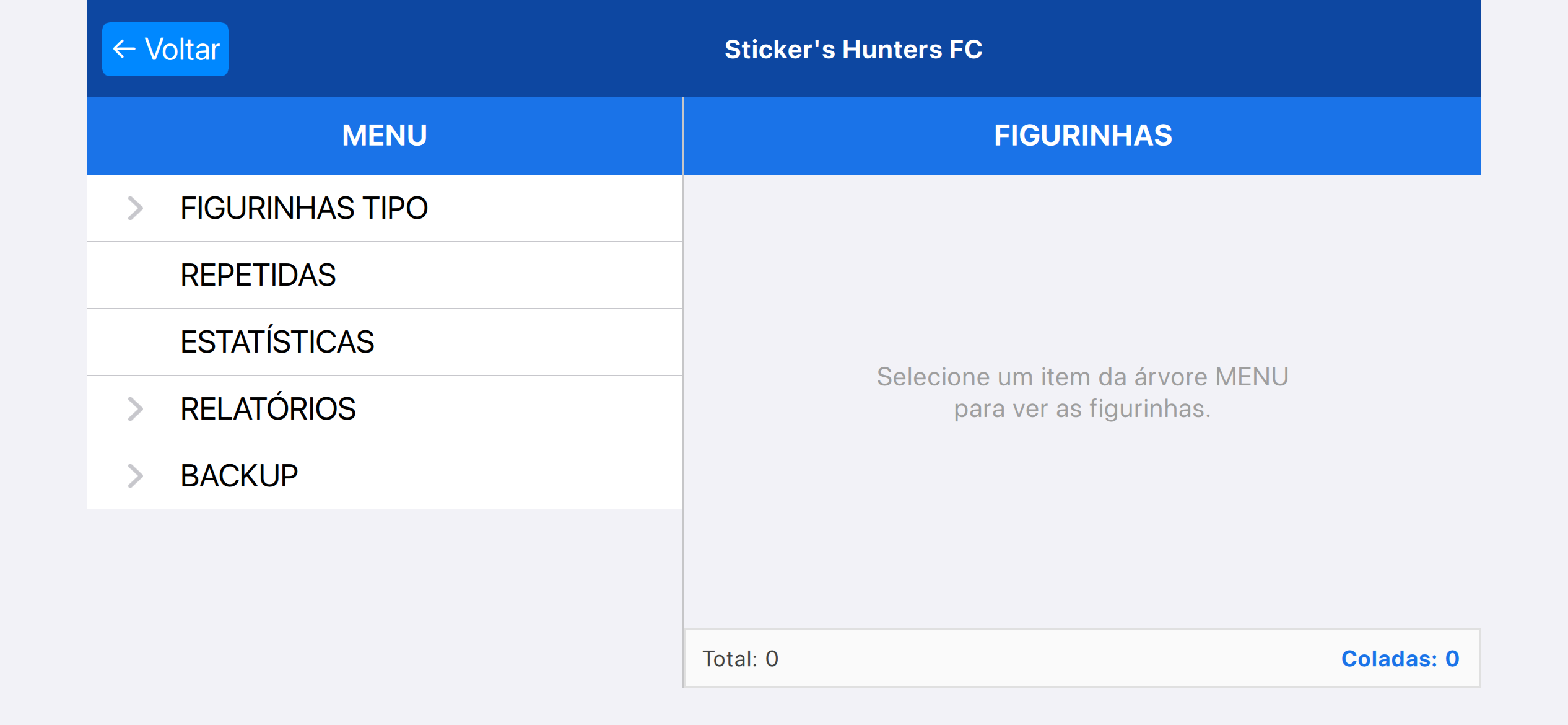
A imagem mostra a tela principal após cliclar em "Start".
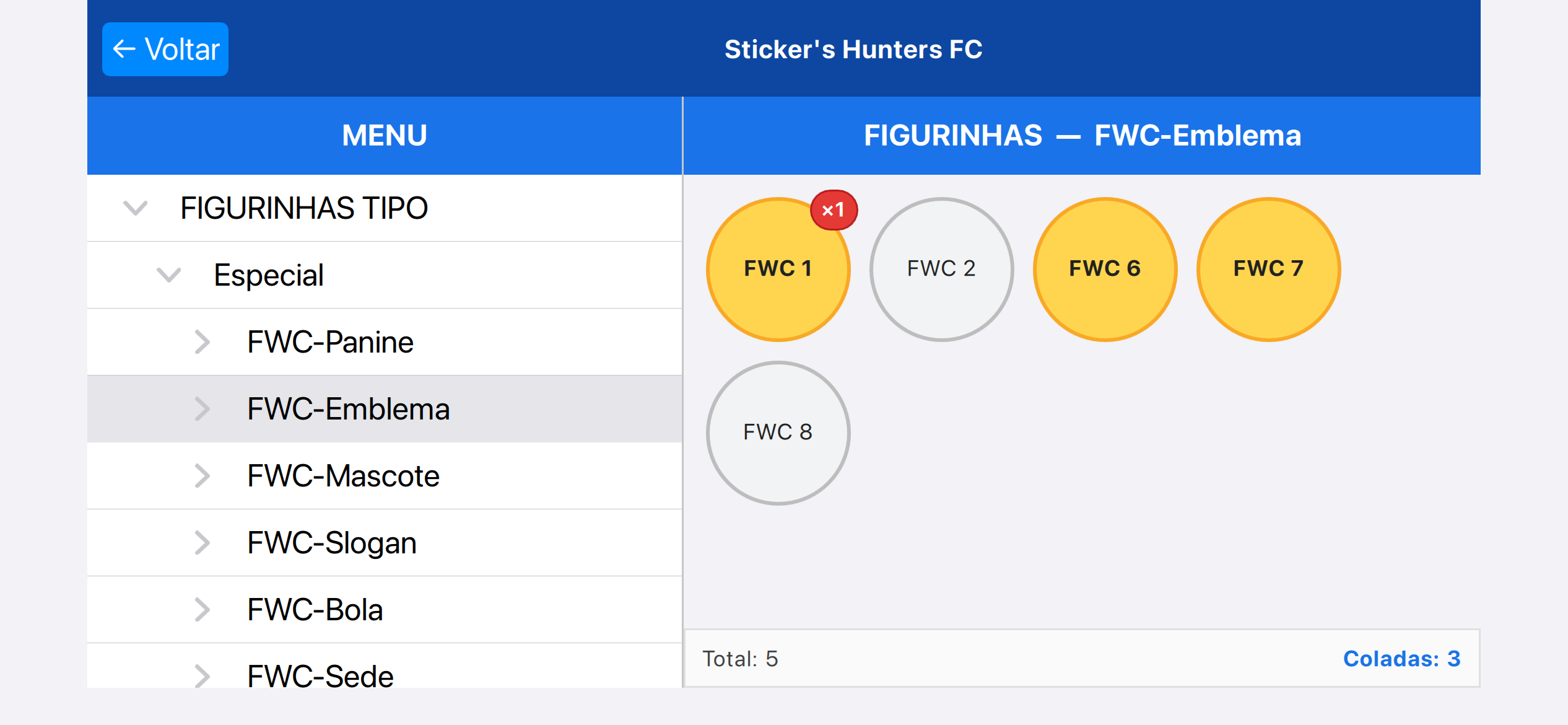
Para se ter acesso a mais detalhes do tipo de figurinha, como demonstrado acima, basta clicar na setinha de FIGURINHAS TIPO para abrir os subtipos.
Caso clique em outro lugar dentro do retângulo de FIGURINHAS TIPO que não seja na seta, irá ser exposto no lado direito todas as figurinhas de uma vez.
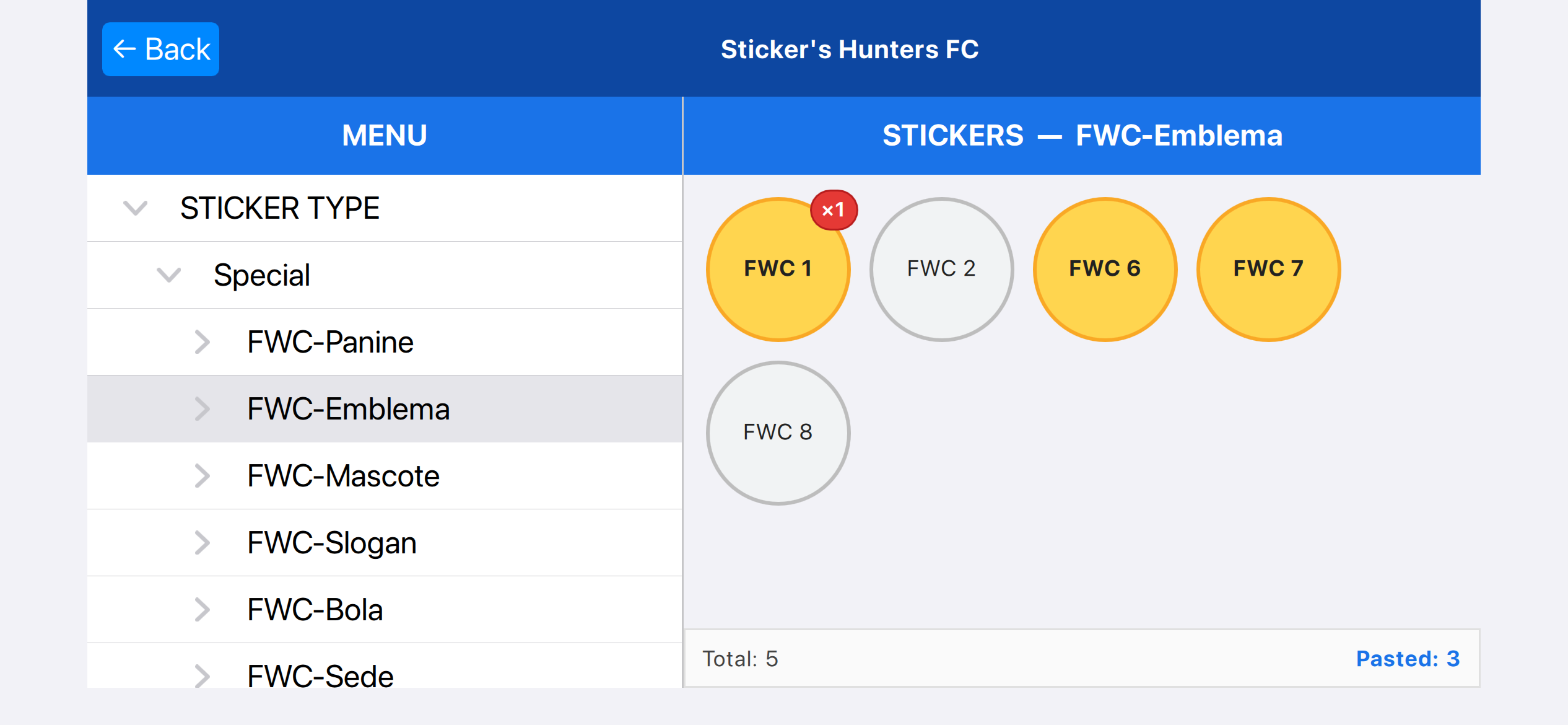
Para marcar uma figurinha é muito simples, basta clicar nela, e para deixa-la como repitida é só clicar de novo. É possivel deixar até 6x a mesma figurinha como repitida.
No exemplo acima, FWC1 tem uma como repitida.
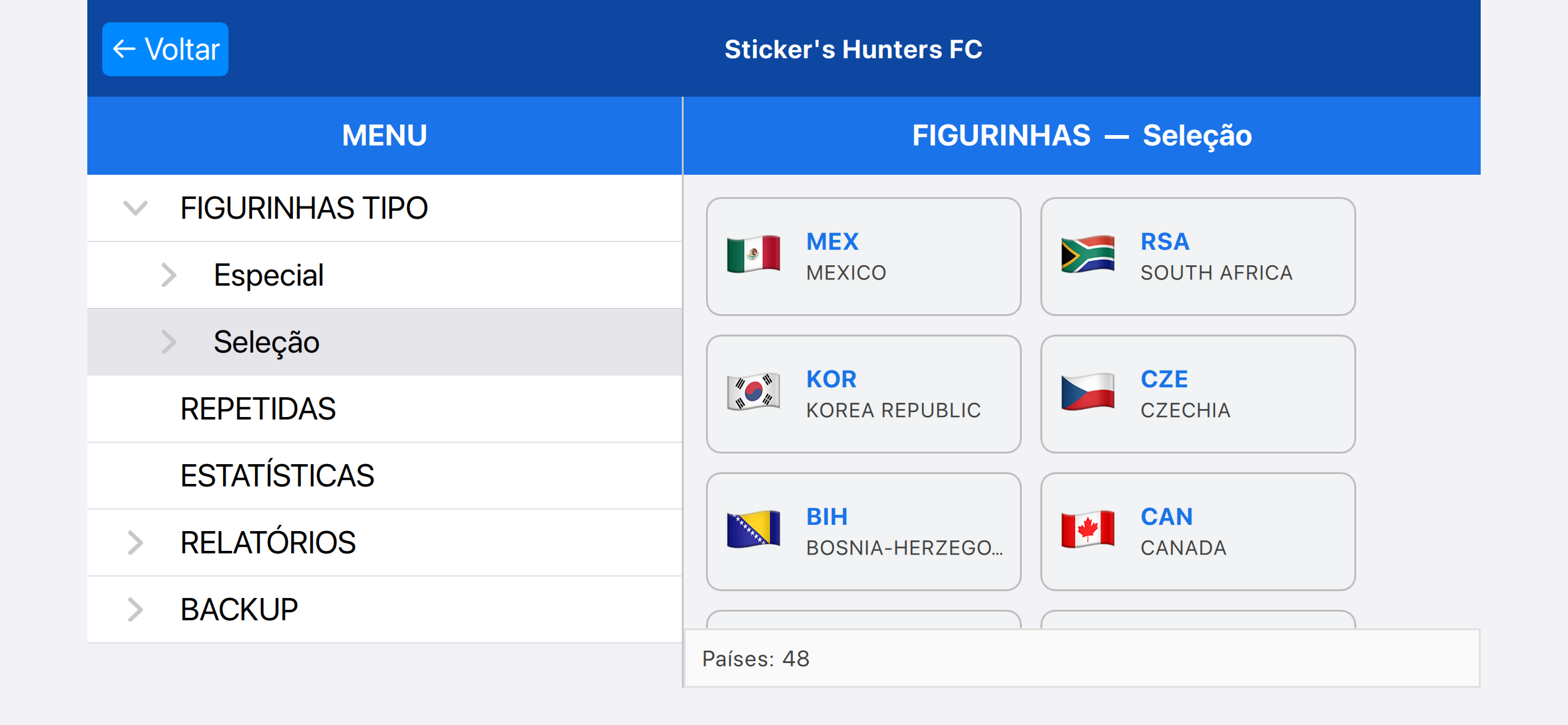
Dica: Caso clique na ABA seleção, pode ser aberto um menu com todos os países, de modo que fique mais fácil a busca.
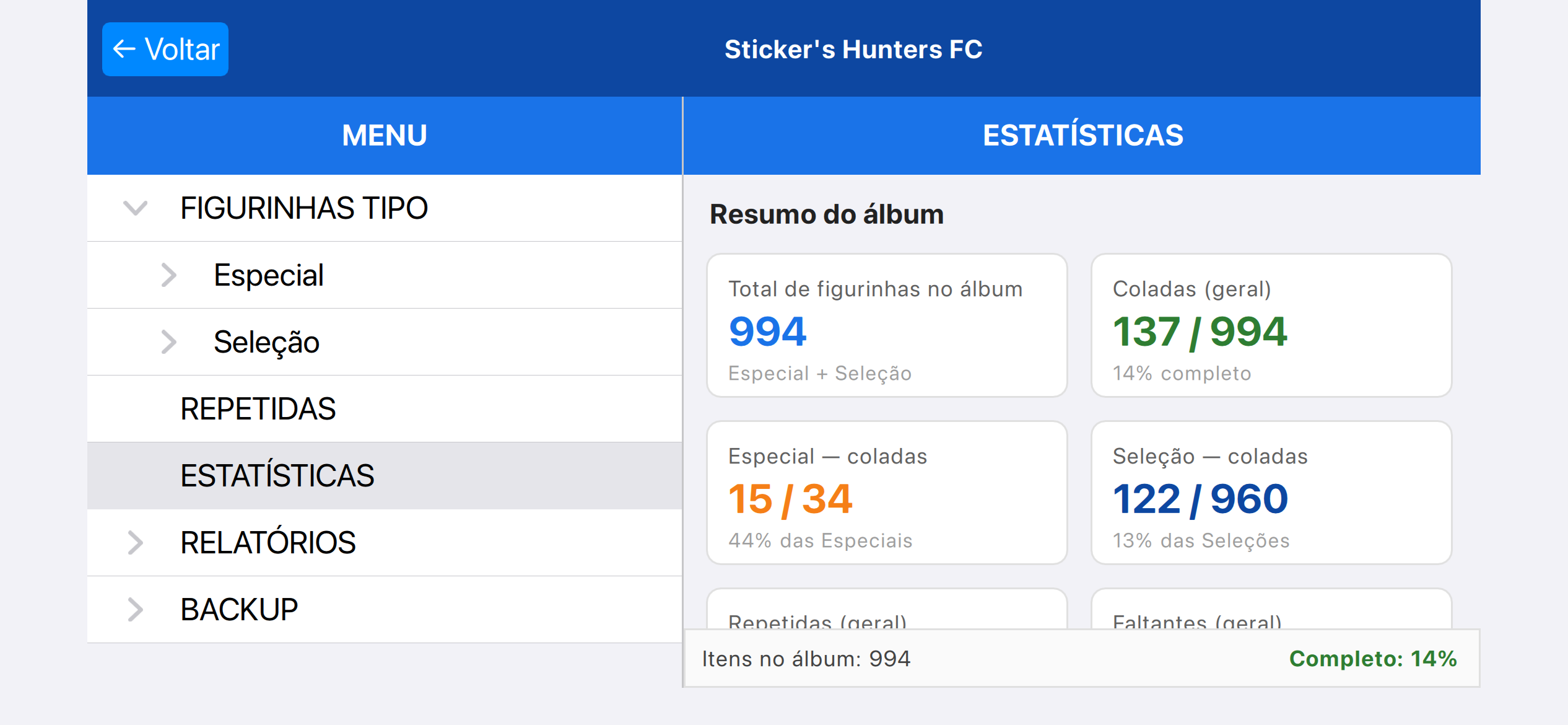
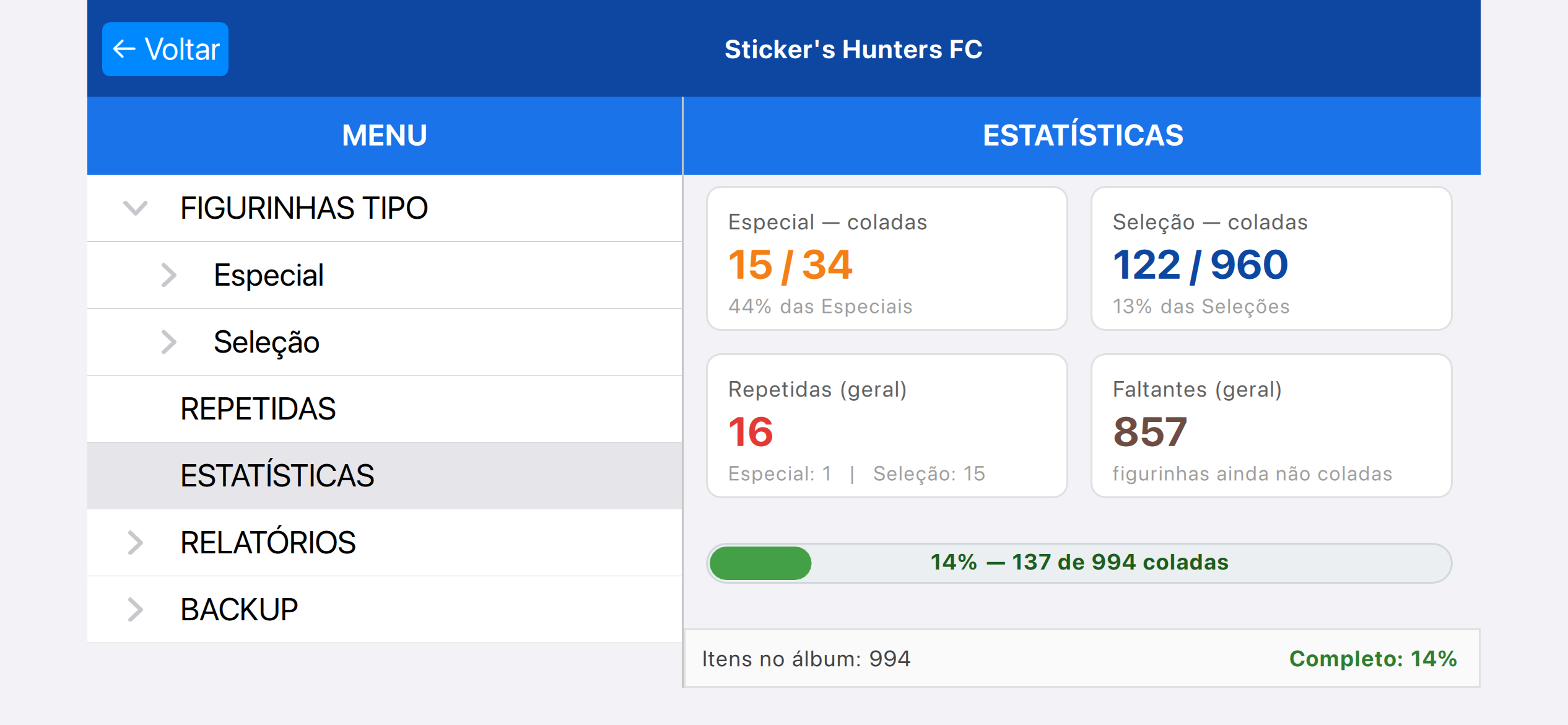
Conforme imagem acima, você também tem acesso às estatisticas, com o número de figurinhas coladas, faltantes e repitidas com gráficos para auxiliar no controle.
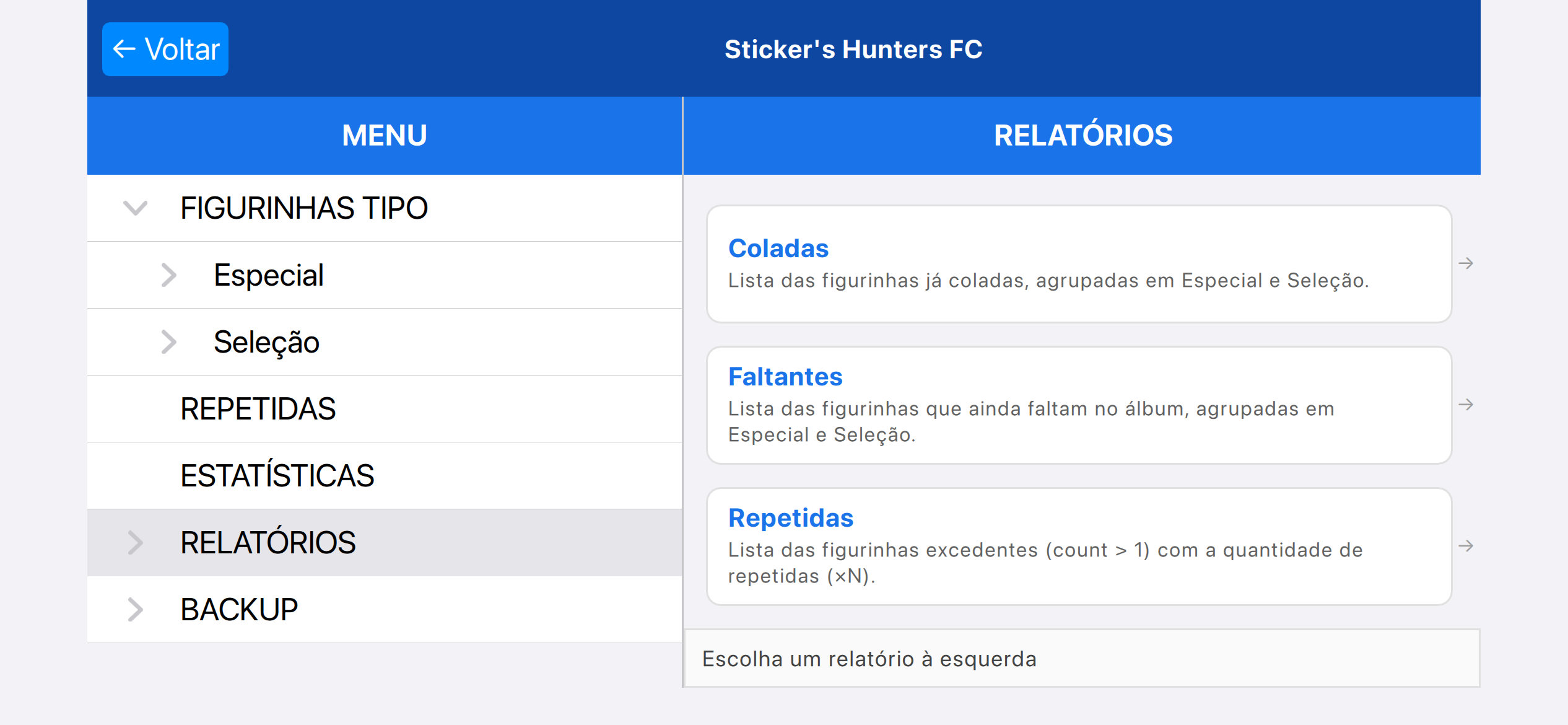
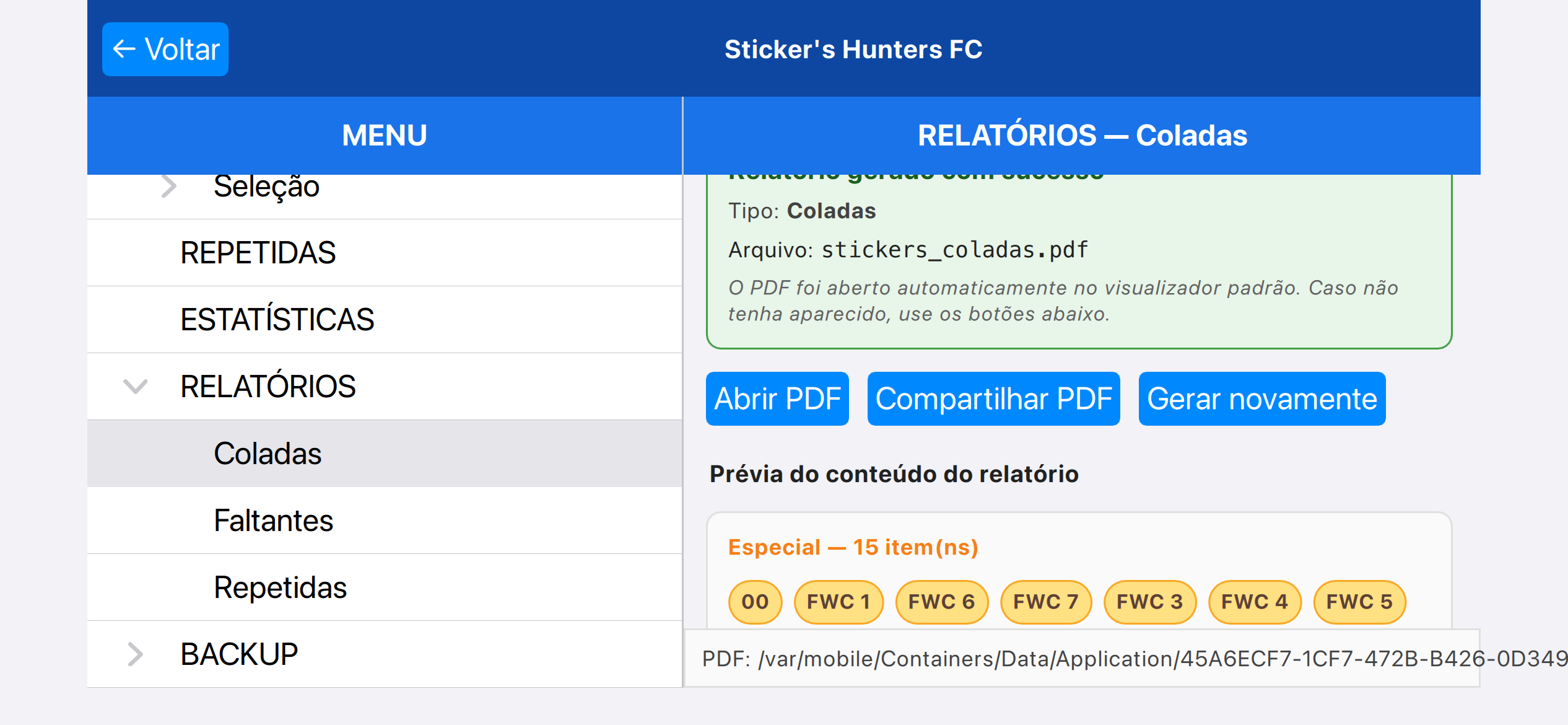
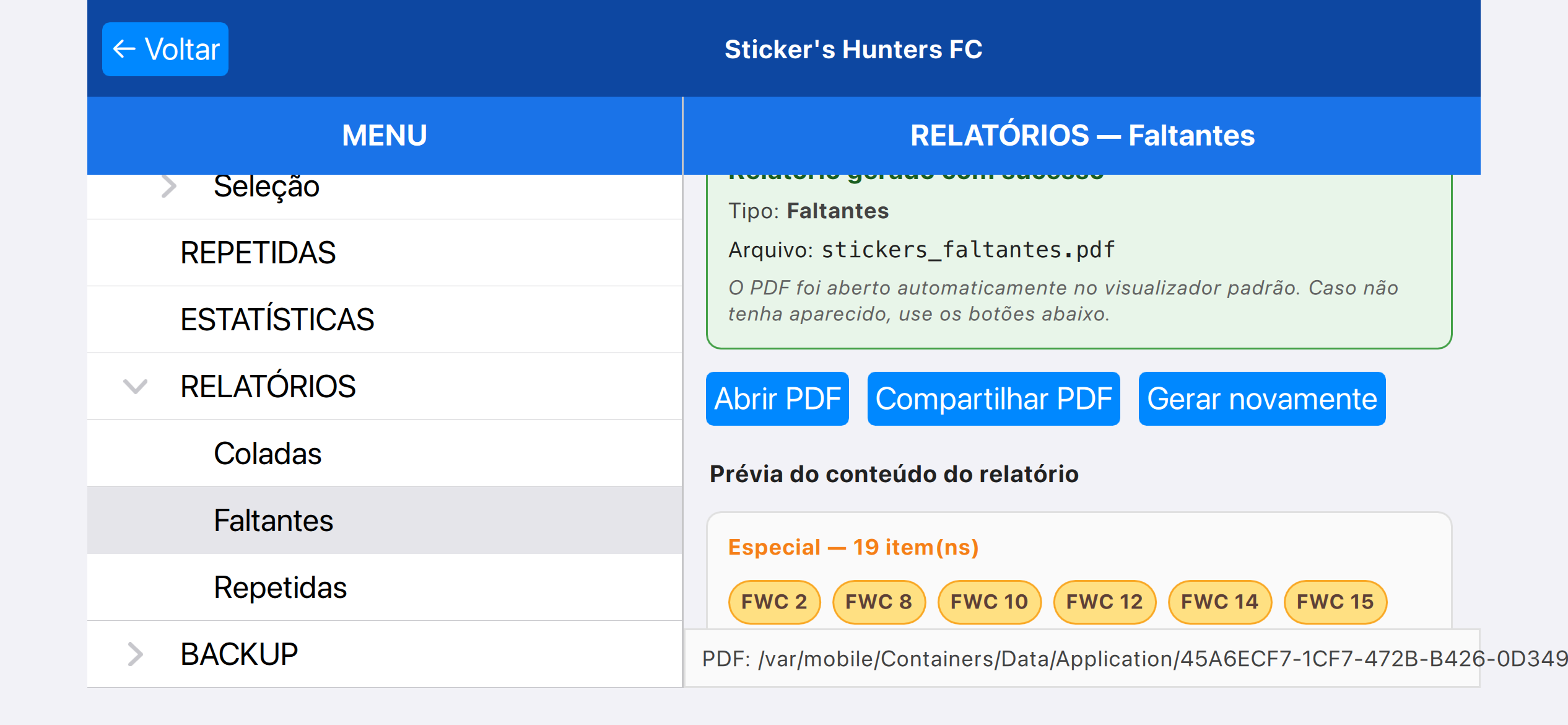
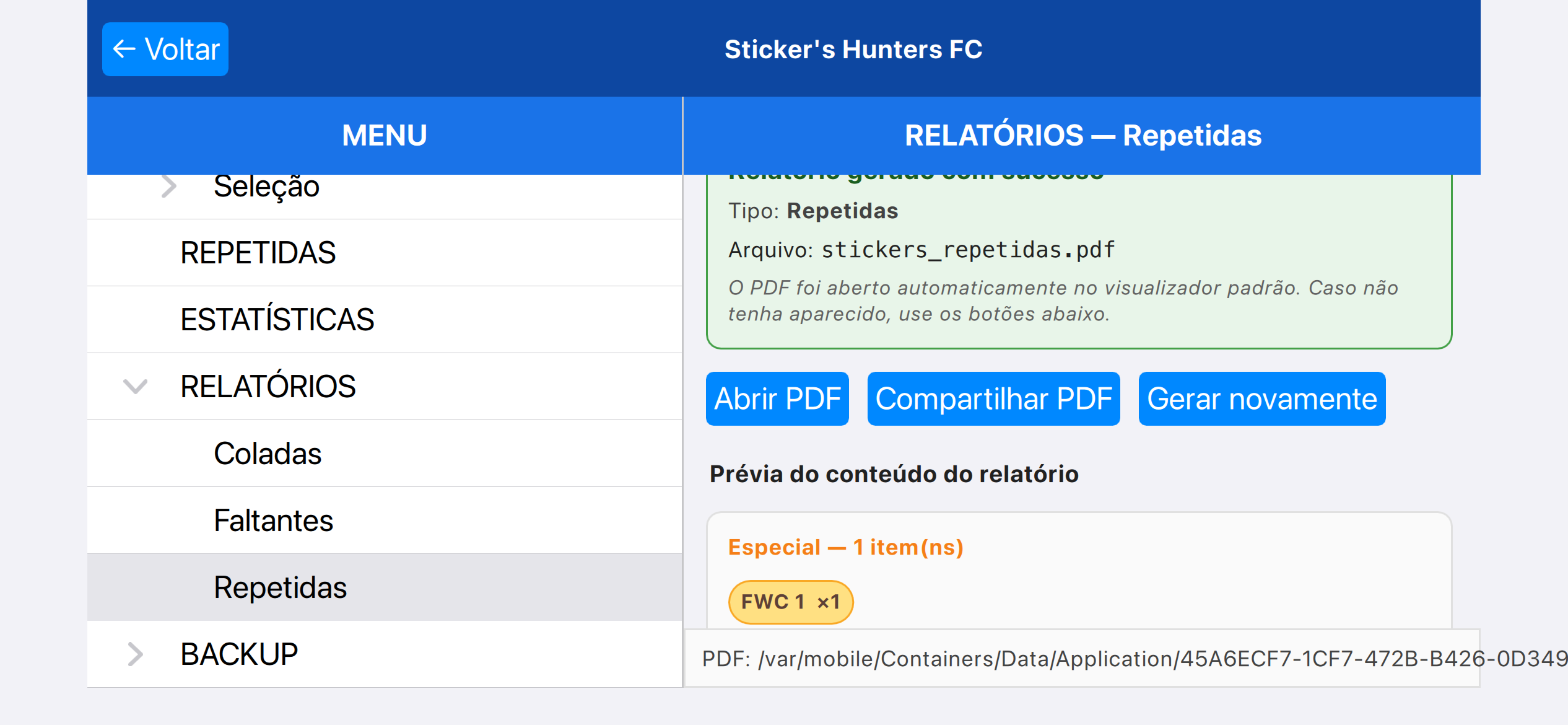
Um dos beneficios dOS Sticker's Hunters são s relatatórios podem ser gerados, que permite gerar PDFs com as informações salvas,
incluindo só as figurinhas já coladas, faltantes ou repitidas, podendo compartilhar ou imprimir.
Aplicativo independente para organização de coleções. Não afiliado, patrocinado ou endossado por quaisqer empresa.
Contato:suporte@big.dev.br
Termos de uso
Termos de privacidade
Welcome to Sticker's Hunters FC's user guide, we'll explain how to use the app and some tips
Welcome!
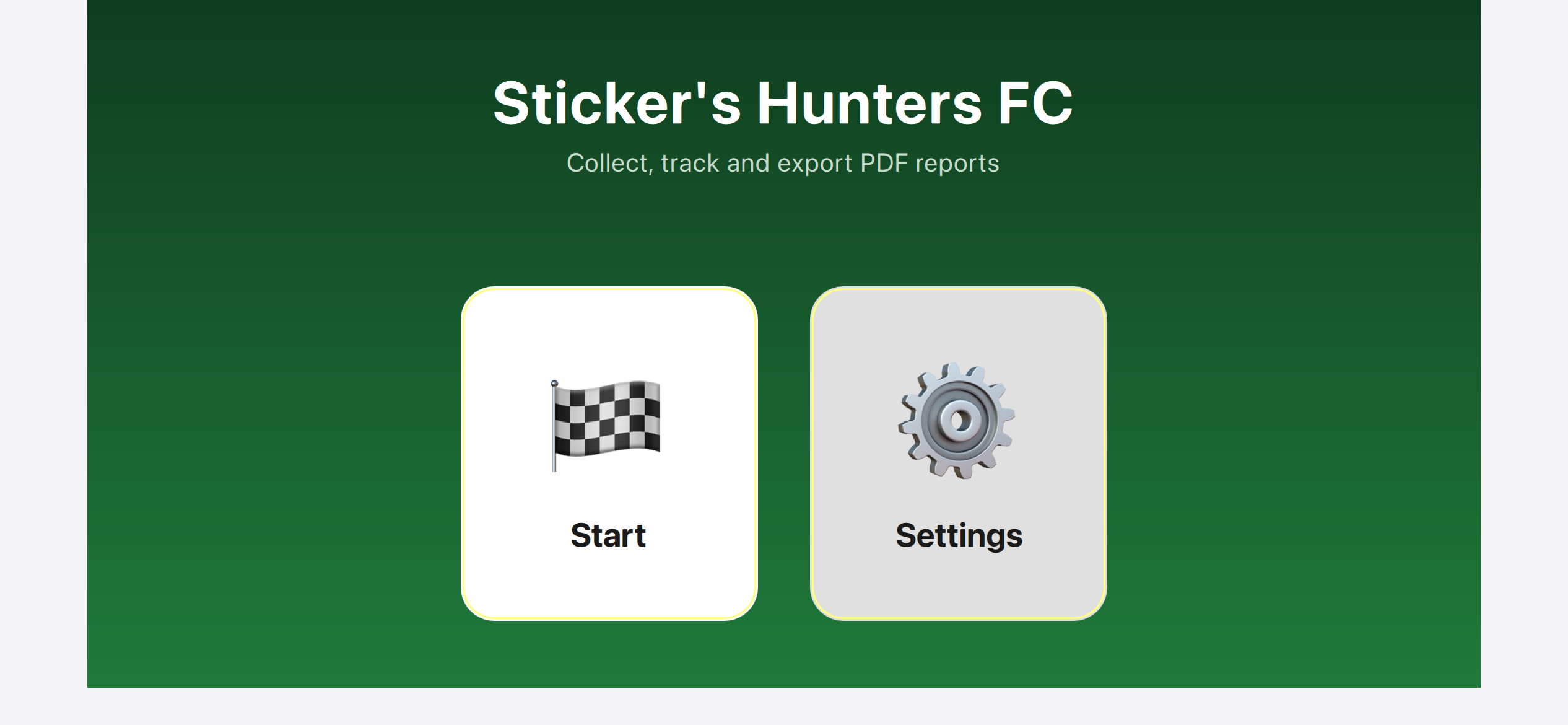
The image above shows the default user's home screen, and the buttons that lead to the app's main screen.
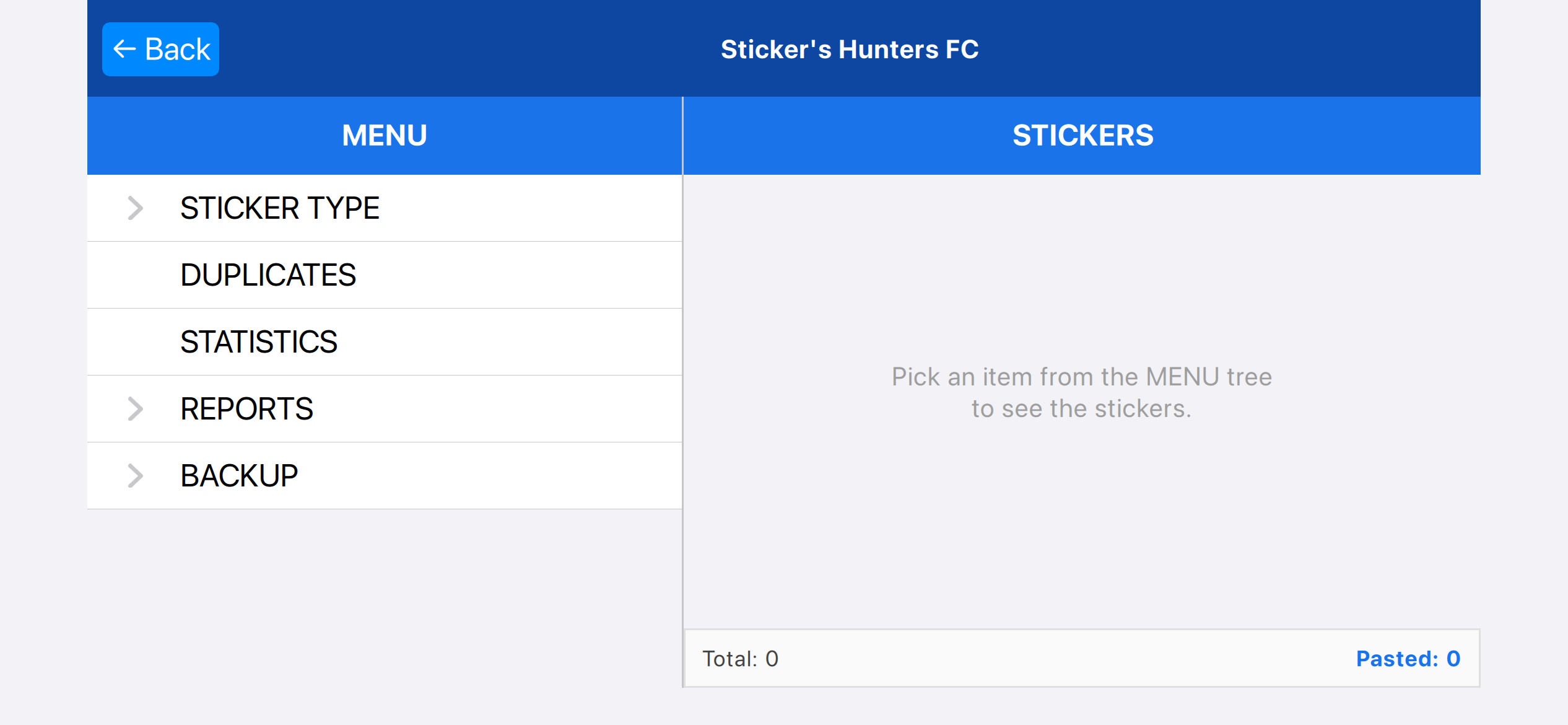
The image shows the main screen after clicking on "Start".
To access more details about the sticker type, as shown above, it's just click on the STICKER TYPE arrow to open the subtypes.
If you click anywhere other than the arrow within the STICKER TYPE rectangles, all the stickers will be displayed at once on the right side.
To mark a sticker, it's very easy: just click on it, and to set it to repeat, click again. You can set the same sticker to repeat up to 6 times.
In the example above, FWC1 has one sticker set to repeat.
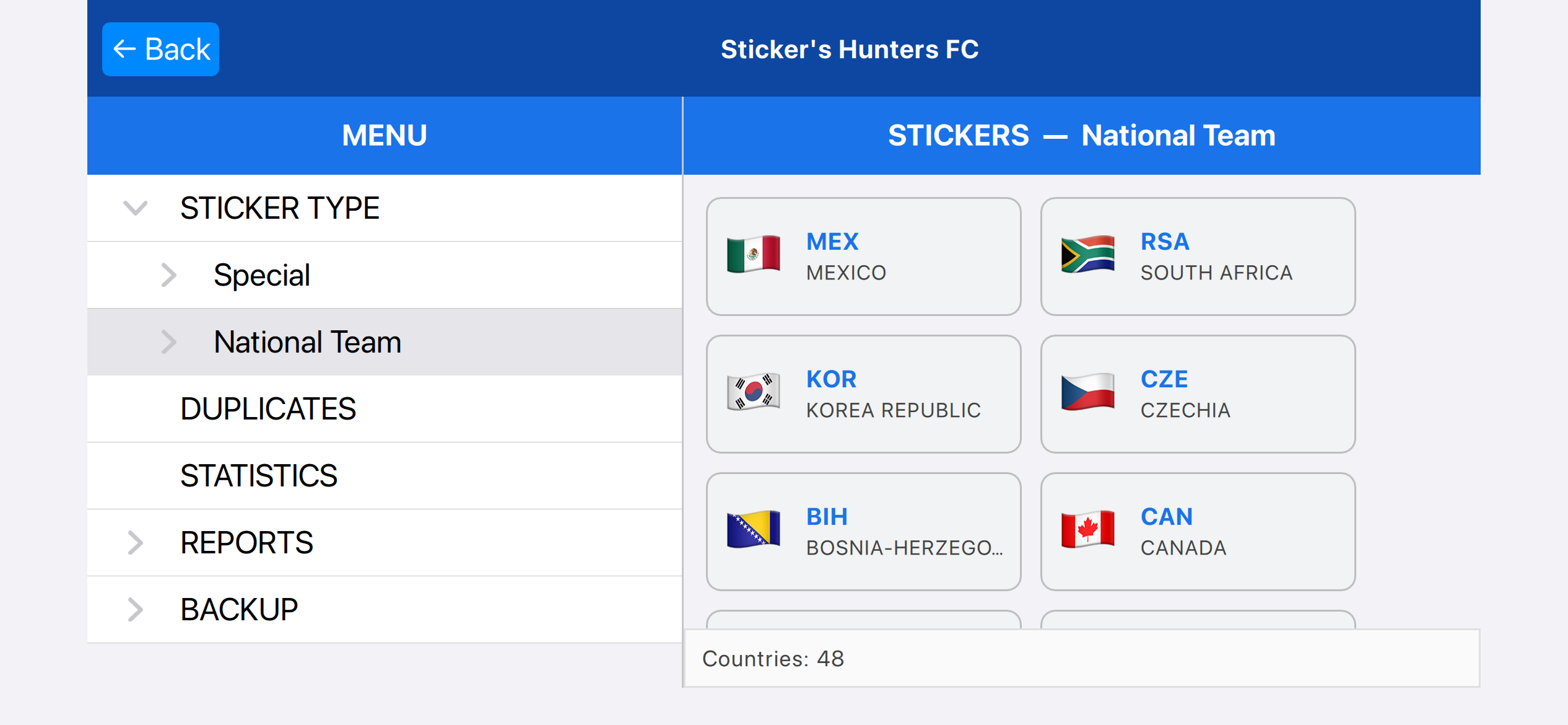
Fun fact: If you click on the ABA selection, a menu with all the countries will open, making the search easier.
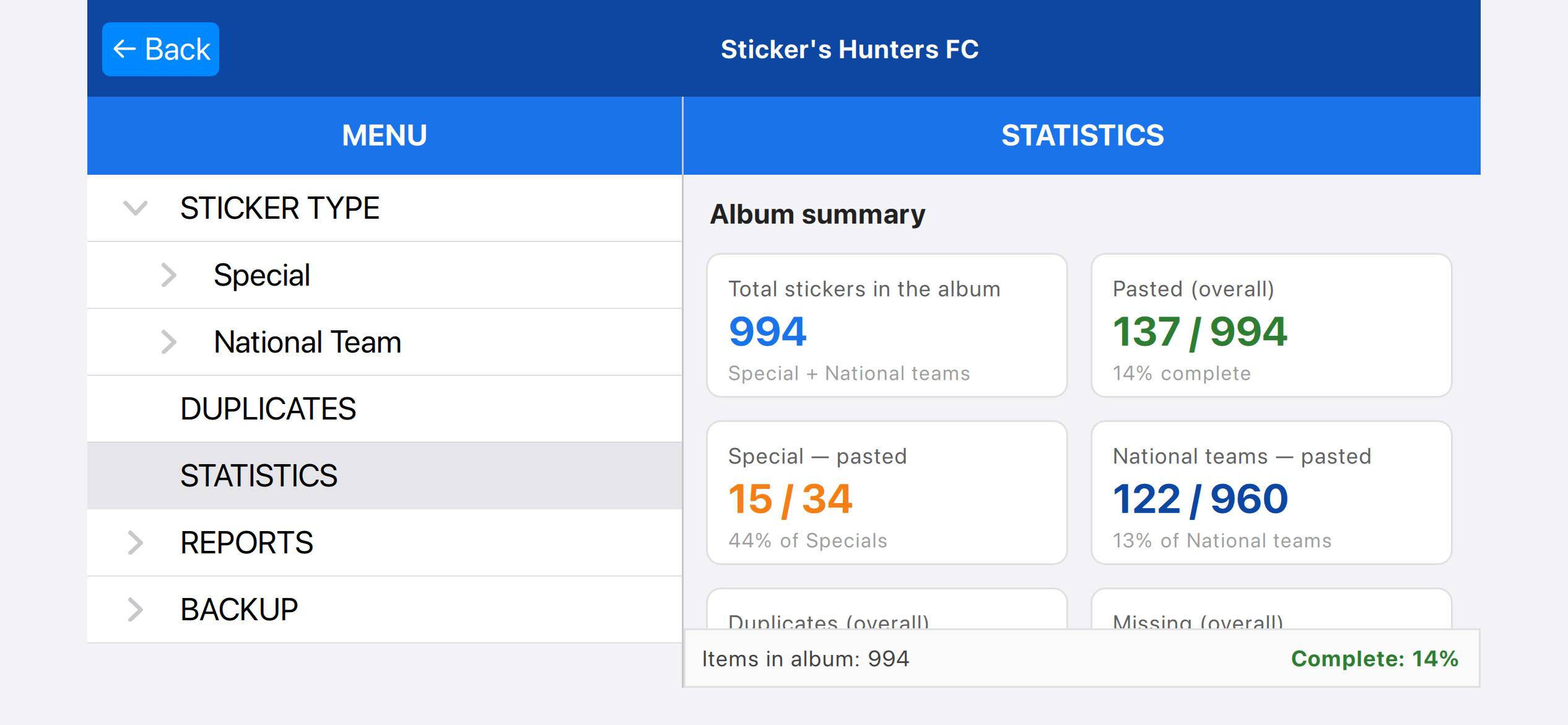
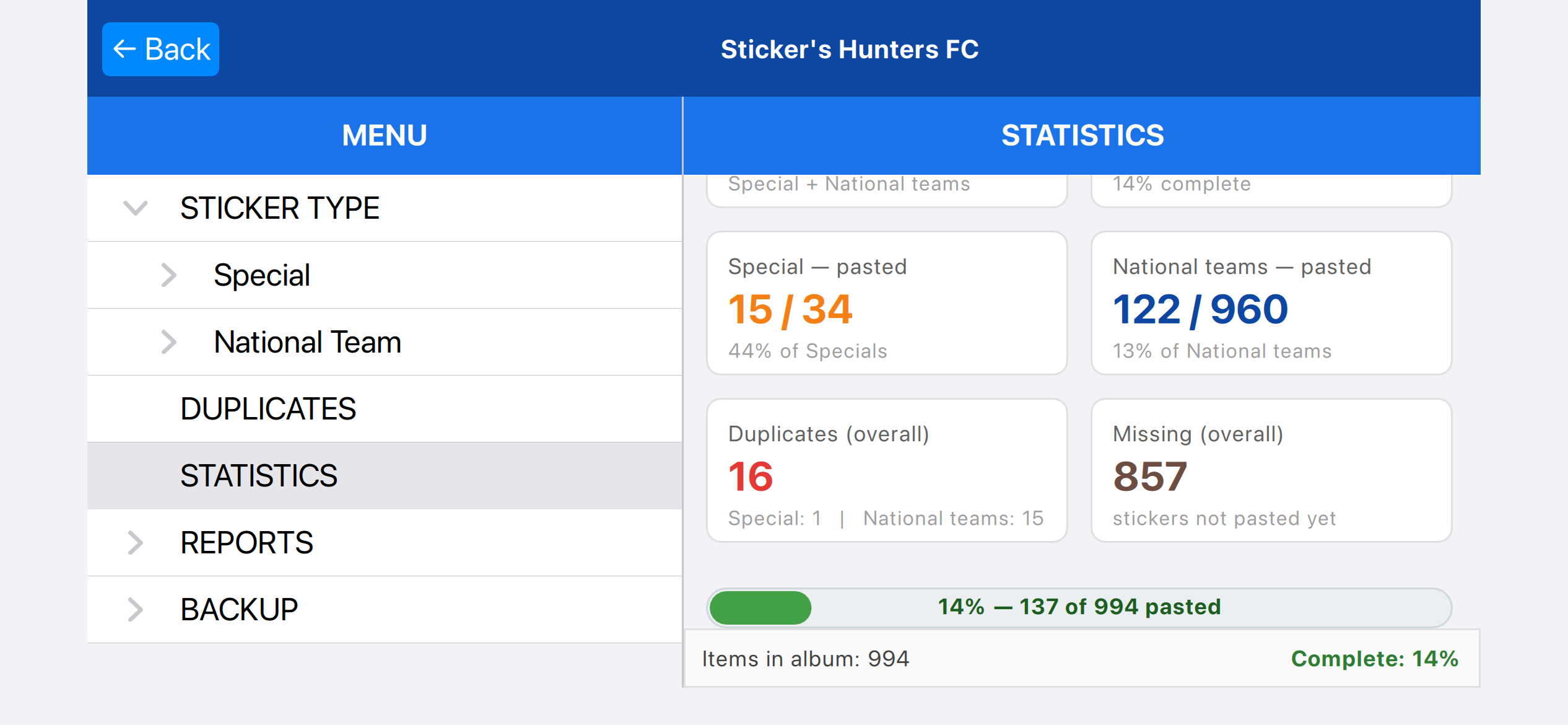
As shown in the image above, you also have access to statistics, including the number of stickers pasted, missing, and duplicates, with graphs to help with control.
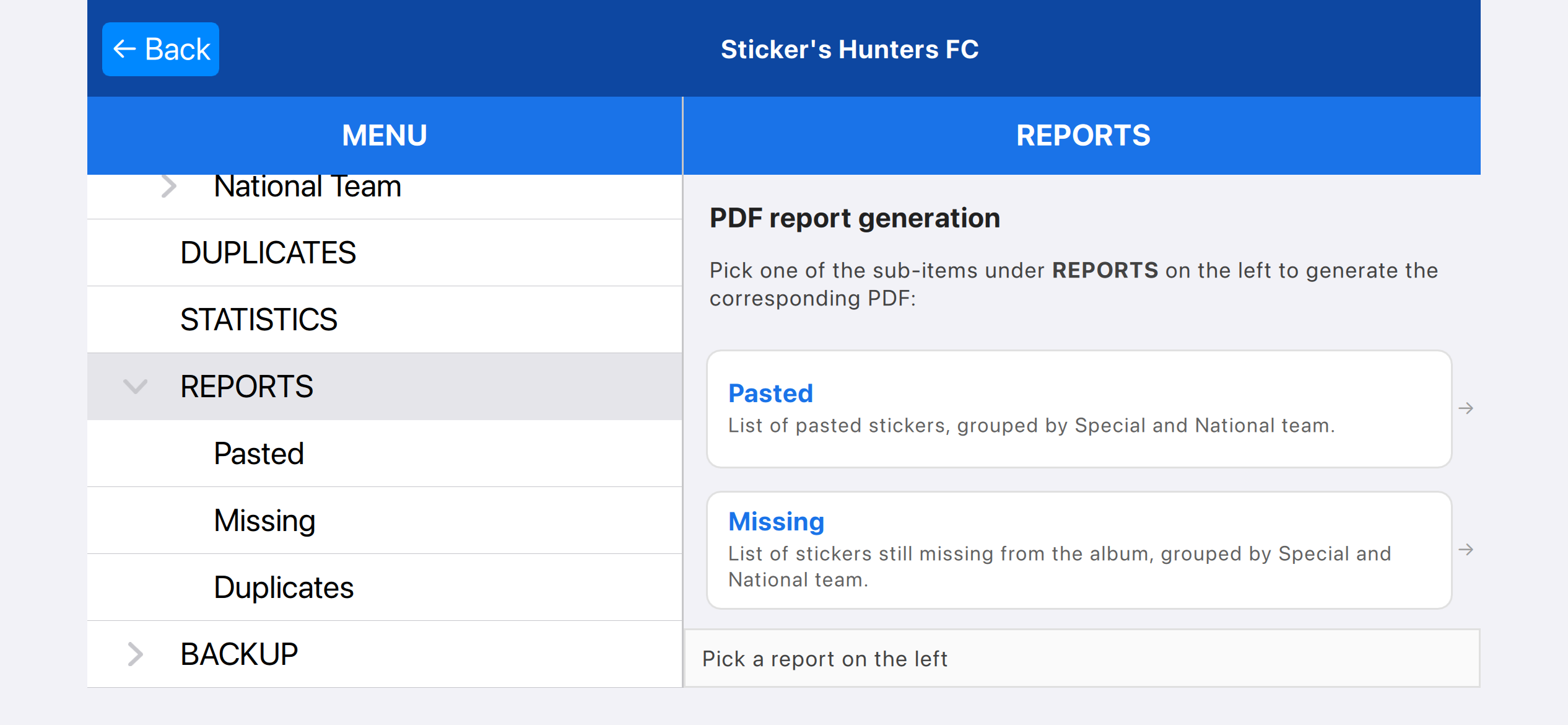
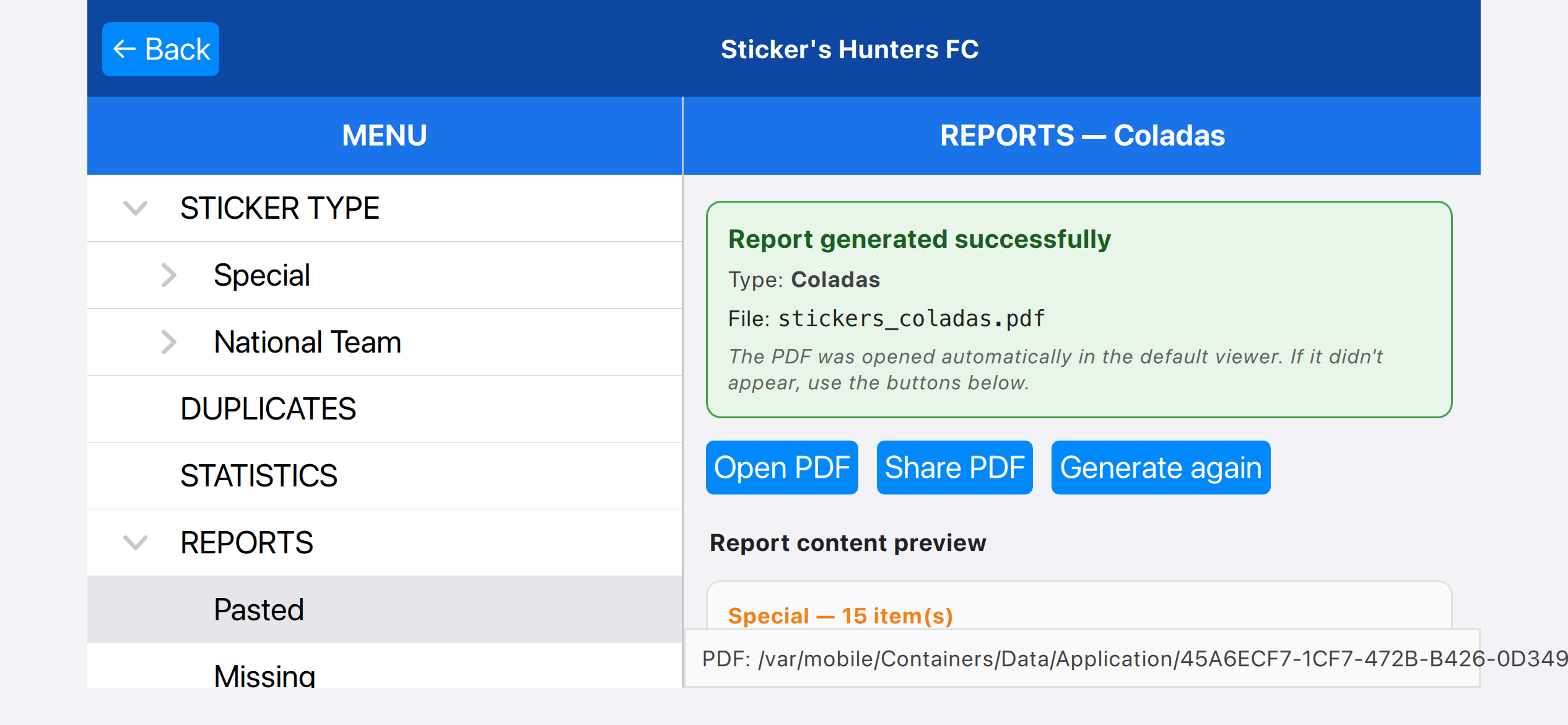
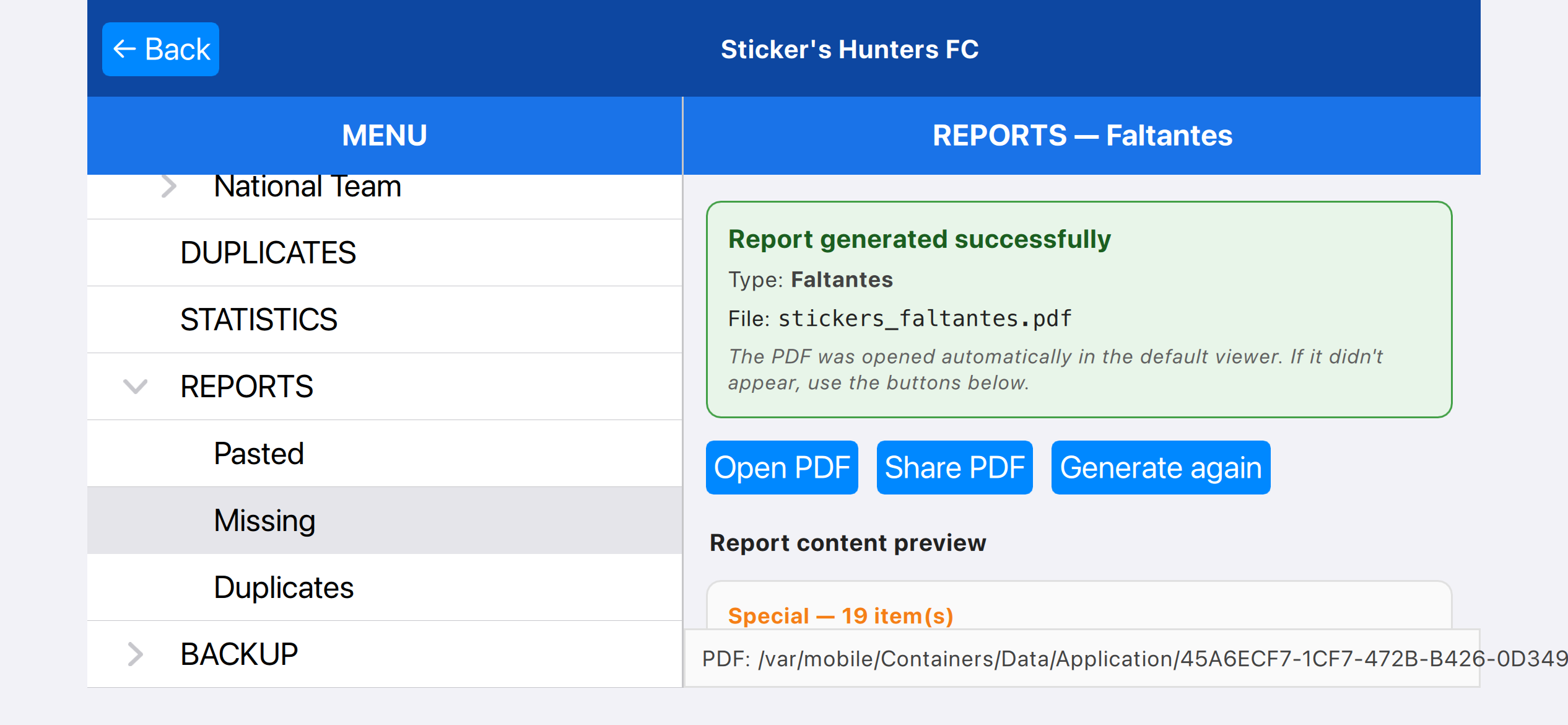
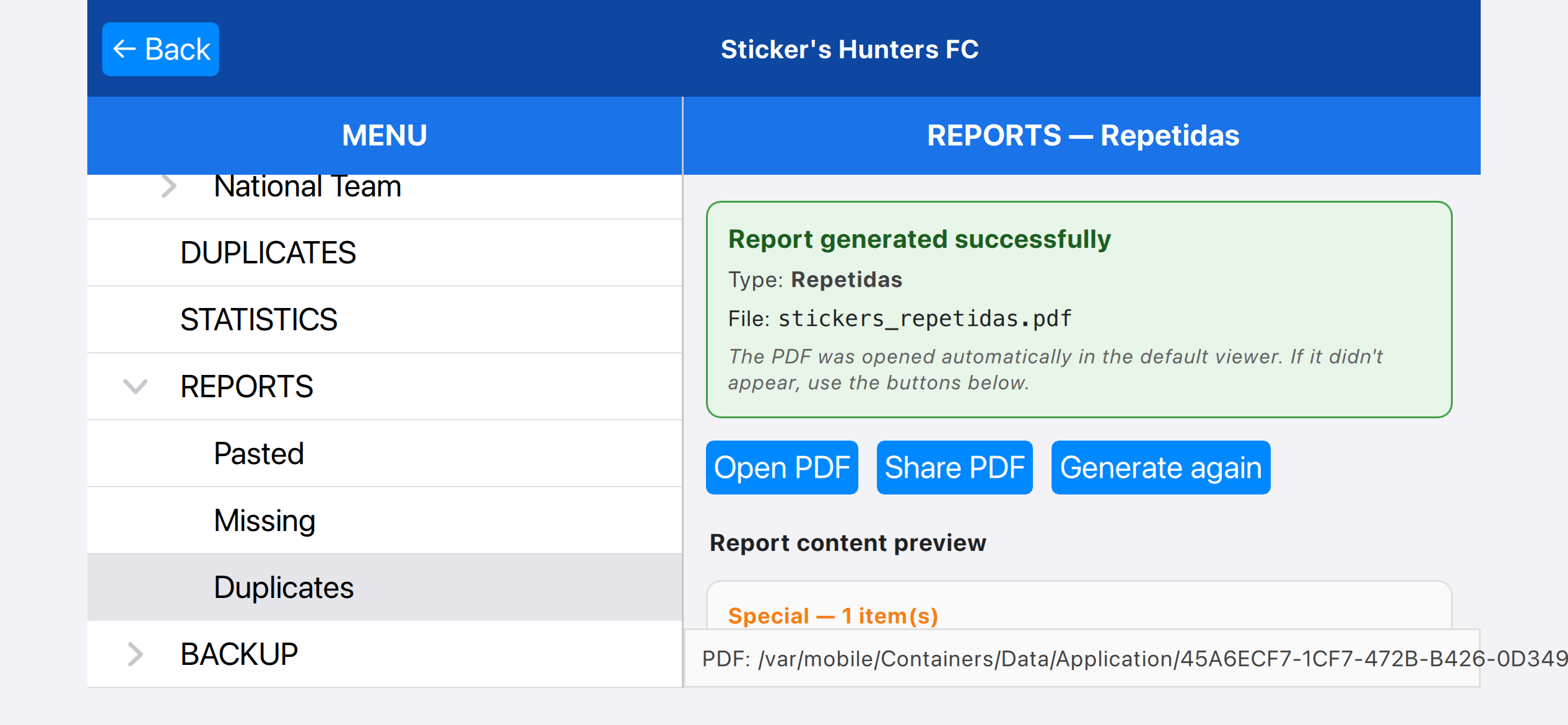
One of the benefits of Sticker's Hunters is that it can be linked and generated, allowing the user to create PDFs with the saved information,
including only the stickers already pasted, missing, or duplicated, which can then be shared or printed.
Independent app for organizing collections. Not affiliated with, sponsored by, or endorsed by any company
Contact:suporte@big.dev.br
Use terms
Privacy terms